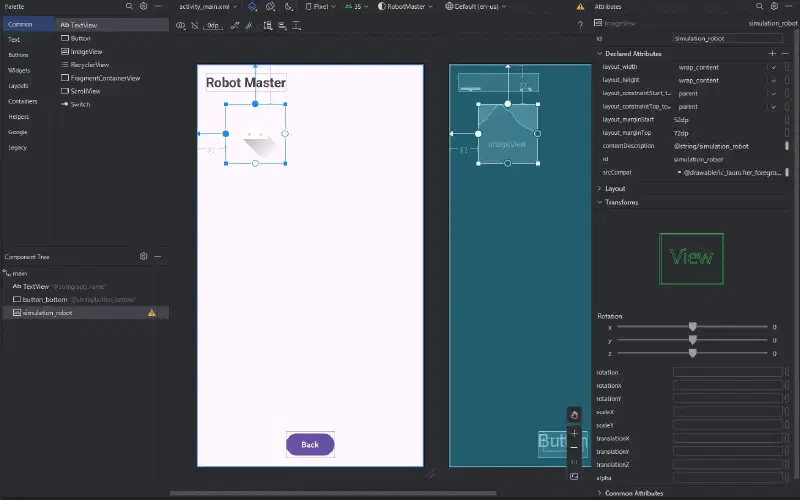
Android Studio - Changing a View‘s Position with a Button 27 July 2024·26 words Technical Note Android Author icysamon Electronics & Creator Add an ImageView to activity_main.xml. Write the following code in the onClick event function. fun onButtonBottomClick(view: View) { val robot = findViewById<ImageView>(R.id.simulation_robot) robot.translationX += 50F }