Add a button to activity_main and set the onClick event name in Attributes.
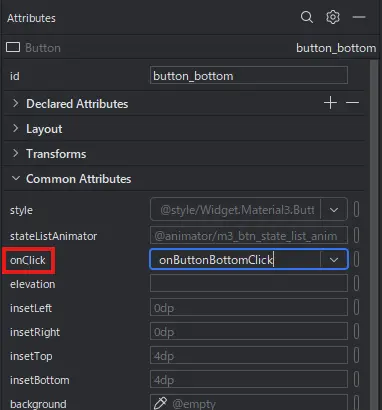
Write a function in MainActivity.kt that corresponds to the onClick event name.
fun onButtonBottomClick(view: View) {
        Toast.makeText(this, “Button pressed”, Toast.LENGTH_LONG).show()
    }
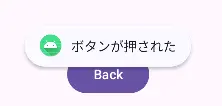
A toast message is displayed after the button is pressed.