
Environment Setup #
Install the OpenConnect environment.
sudo apt install openconnect
sudo apt install network-manager-openconnect-gnome
Restart Network Services #
Restart the network services.
sudo systemctl restart NetworkManagerConnect #
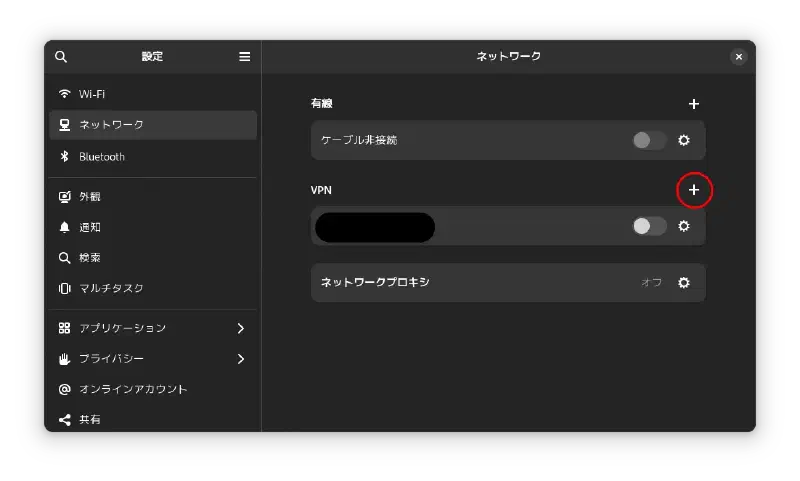
Add a VPN in the network settings screen.
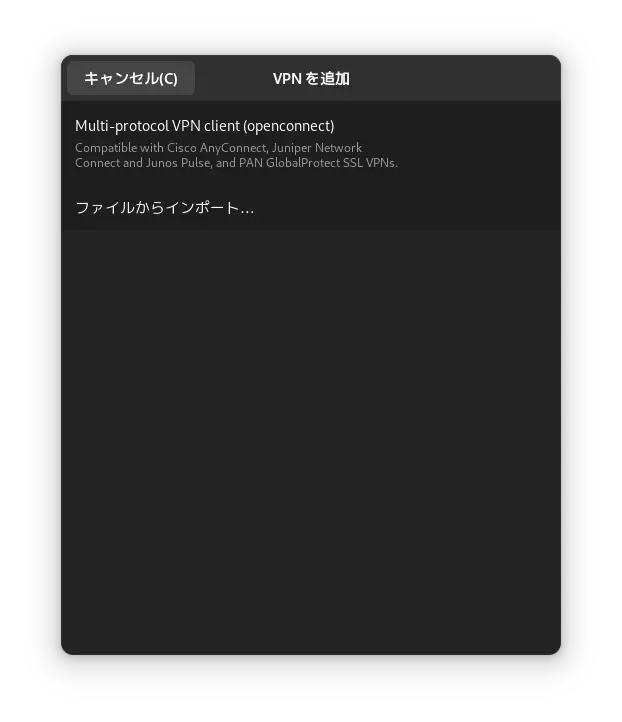
Select Multi-protocol VPN client (openconnect).
Edit the Gateway settings to disable IPv6.
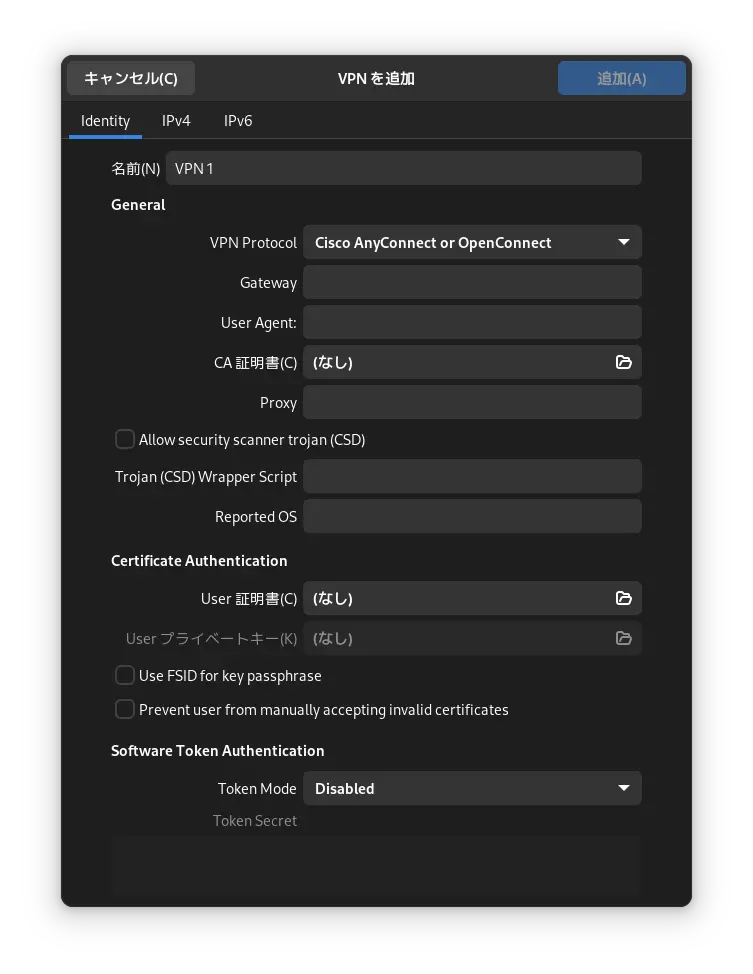
Click the Add button to open the AnyConnect VPN configuration screen.