
UI Setup #
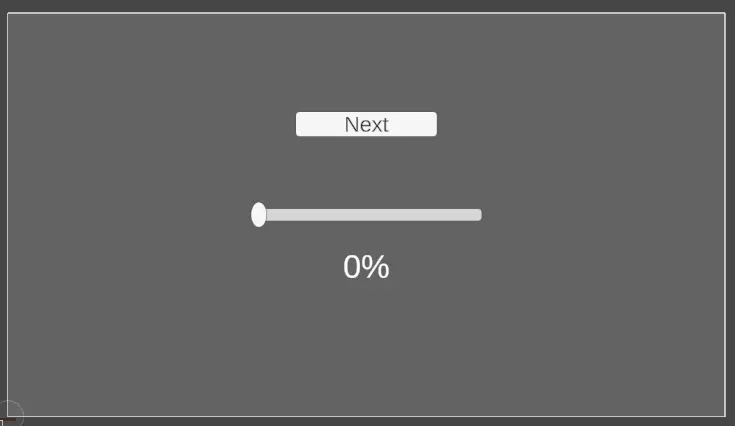
The following UI elements are required.
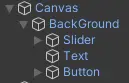
Arrange the UI like this.
Code #
using System.Collections;
using System.Collections.Generic;
using TMPro;
using UnityEngine;
using UnityEngine.SceneManagement;
using UnityEngine.UI;
using static System.Net.Mime.MediaTypeNames;


public class LoadManager : MonoBehaviour
{
    [Header("Background")] public GameObject BackGround;
    [Header("Slider")] public Slider slider;
    [Header("Text")] public TextMeshProUGUI text;


    public void LoadNextLevel()
    {
        StartCoroutine(LoadLevel());
    }


    IEnumerator LoadLevel()
    {
        // operation = current scene build index + 1
        AsyncOperation operation = SceneManager.LoadSceneAsync(SceneManager.GetActiveScene().buildIndex + 1);

        while(!operation.isDone)
        {
            slider.value = operation.progress; // Set the slider progress

            text.text = operation.progress * 100 + "%"; // Display the loading progress as text

            yield return null;
        }
    }
}
To perform asynchronous scene loading, call the LoadNextLevel() function.